 Jim Apps
Envscope Pro for Dynamics 365: unlimited comparisons
Unlimited environment comparisons and CSV export. The free plan includes 3 comparisons a month. Every plan starts with a 14-day free trial; nothing is charged if you cancel during the trial.
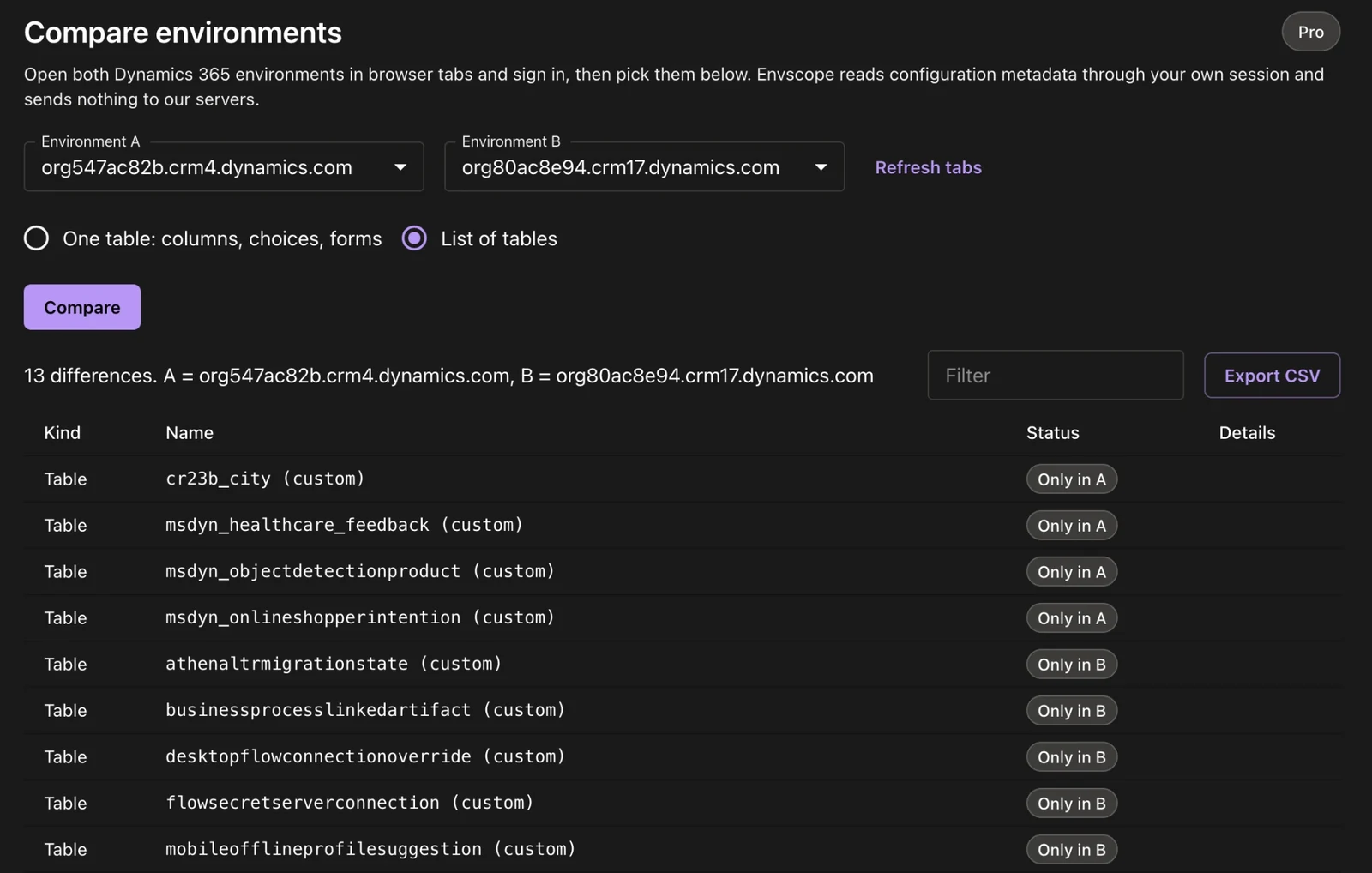
Envscope Pro: compare as often as you need and export the differences to CSV.
Thank you
Preparing your license key...
Activate Envscope Pro
- Open the Envscope side panel in Dynamics 365 and click Compare environments.
- Click Enter license key, paste the key above and click Activate.
Keep the key: you need it on every computer where you use Envscope. Lost it? Write to contact@jimapps.dev from the email you paid with.